Checked against Facebook’s current scam guidance and FTC advice: July 2026. Scam tactics shift, but the tells below stay remarkably consistent.
What to Know
- Almost every Marketplace scam is one of three kinds: a payment scam (fake or reversed money), an information scam (they want a code or your details), or an item scam (the thing isn’t real, isn’t as described, or never ships).
- The single most protective habit: deal locally, pay cash, inspect first. Facebook’s Purchase Protection covers only items bought through on-site checkout with shipping — never cash or app payments for local pickup.
- If a stranger ever asks you to read back a code texted to your phone, stop. That’s the Google Voice scam, and no real buyer needs a code from you.
Marketplace is genuinely useful, and most people you’ll meet are ordinary buyers and sellers. But it also attracts scammers because deals happen fast, between strangers, often with instant payment apps. The good news: the tricks are repetitive. Learn the three families below and you’ll recognize nearly all of them.
The three kinds of Marketplace scam
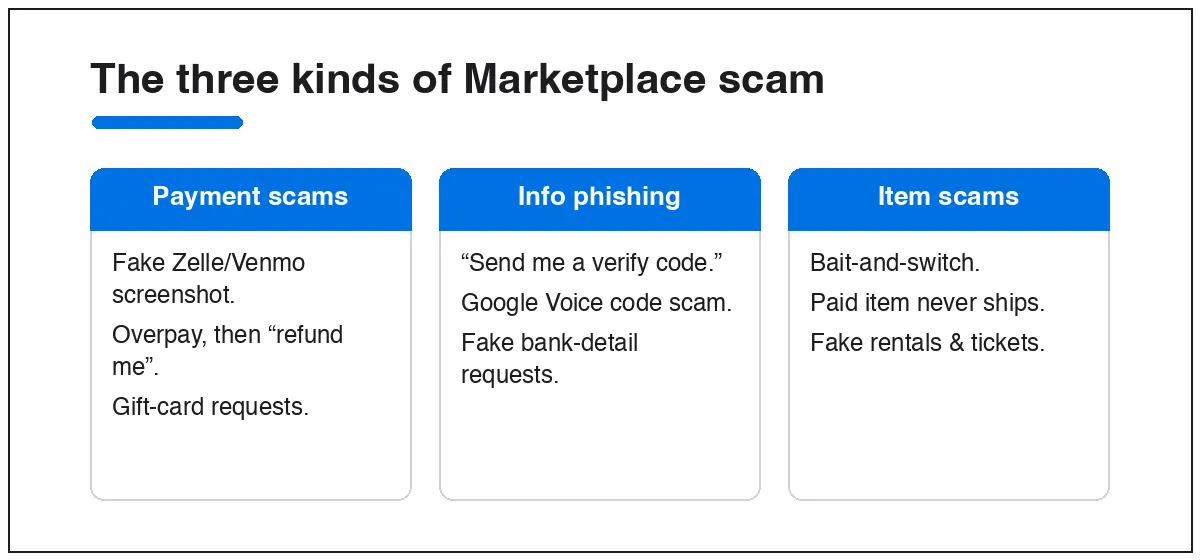
Payment scams
- Fake payment confirmation. A “buyer” sends a screenshot or email showing they paid, then pressures you to ship. The money never arrives. Zelle and Venmo scams almost all work this way — those apps pay instantly, so any “pending for 2–3 hours” story is a lie.
- Overpayment. They “accidentally” send too much and ask you to refund the difference. The original payment was from a stolen card and reverses later, so you’re out the refund and the item.
- Gift-card requests. Any deal that routes through gift cards is a scam. Full stop. No legitimate buyer or seller needs them.
Information scams
- The Google Voice code scam. A “buyer” says they’ll send a code to check you’re a real person, then asks you to read it back. That code sets up a Google Voice number tied to your phone, which they use to run more scams. The goal isn’t your money — it’s your identity.
- Verification / 2FA phishing. Same shape: anyone asking for a login code, bank detail, or “confirmation number” is trying to take over an account, not buy your couch.
Item scams
- Bait-and-switch. The photos show one thing; the item you get is broken, fake, or different.
- Never-ships. You pay for a shipped item that never arrives — common on electronics and event tickets.
- Fake rentals. Scammers copy a real apartment listing at a lower price and collect deposits for a home they don’t own. See Marketplace rental scams.
Seven rules that stop most scams
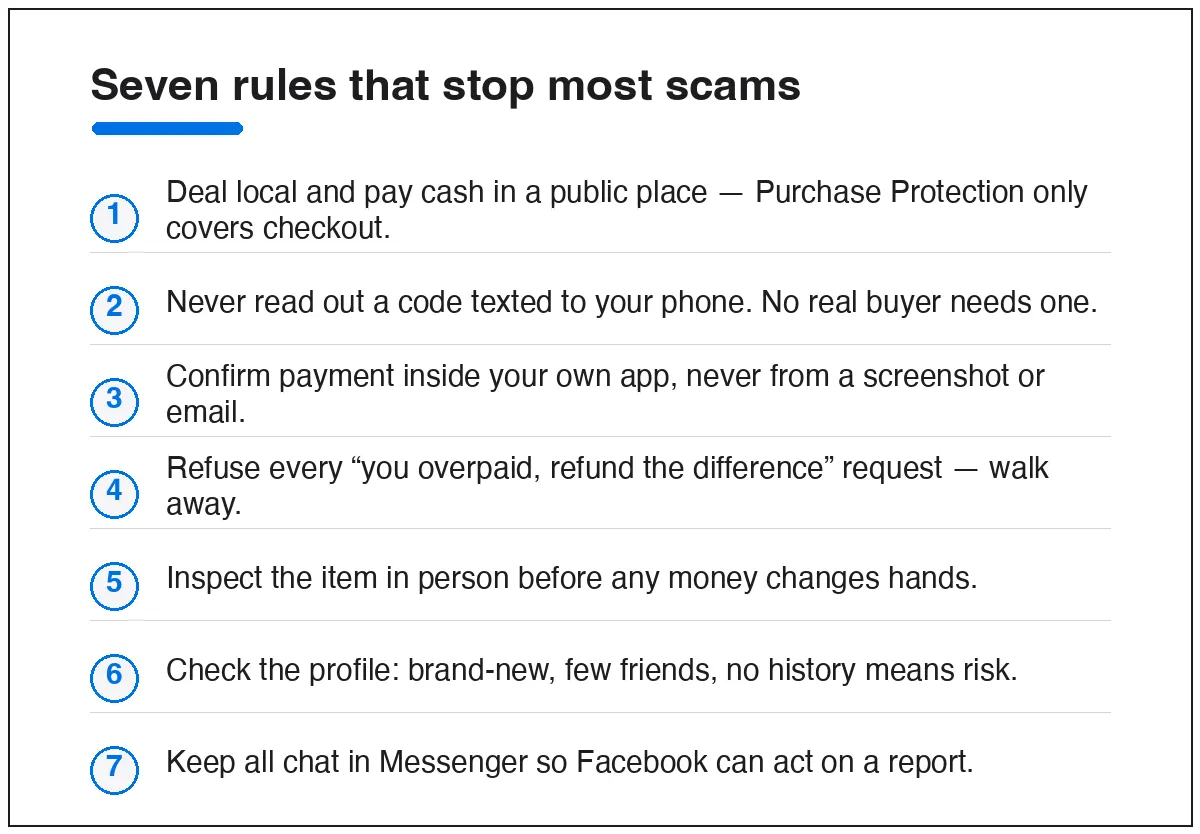
- Deal local, pay cash, in a public place. Purchase Protection covers checkout-with-shipping only, so a local cash deal you can inspect is the safest transaction there is.
- Never read out a code sent to your phone. No genuine buyer needs one.
- Confirm payment in your own app — open Zelle, Venmo, PayPal, or your bank yourself. A screenshot or email proves nothing.
- Refuse overpayment “refunds.” If someone overpays and asks for the difference back, walk away.
- Inspect before you pay. Test electronics, check for damage, count the parts.
- Read the profile. Brand-new account, few friends, no selling history, stock-photo listings — any of these is a reason to be careful.
- Keep chat in Messenger. If it goes sideways, Facebook can only act on what happened on-platform.
If you’ve already been scammed
Move fast — the first 48 hours decide whether you recover your money. Contact your bank or card issuer’s fraud line, report the listing and the seller’s profile to Facebook, and file with the FTC. The full step-by-step is here: scammed on Facebook Marketplace — what to do now.
Quick answers
Does Facebook refund you if you get scammed?
Only for eligible purchases made through Facebook checkout with shipping. Local pickups paid by cash, Zelle, Venmo, or Cash App are not covered by Purchase Protection.
What’s the most common Marketplace scam right now?
Fake payment confirmations on sellers, and the Google Voice code scam that targets both buyers and sellers. Both are easy to shut down once you know the pattern.
Is it safe to give a buyer my phone number?
Keep the conversation in Messenger. If you do share a number, never repeat back any code that arrives afterward — that’s the trap.
How do I check if a seller is legit?
Look at account age, friend count, and other listings, ask for a video call showing the item, and meet in a public place. Vagueness and pressure are the warning signs.
New to selling? Our guide to buying and selling on Facebook Marketplace builds these habits in from the start. And if your account itself gets compromised, go straight to Facebook account recovery.