Checked against Facebook’s current Marketplace interface: July 2026. Menu labels can shift as Facebook updates the app.
What to Know
- About nine times in ten, Marketplace is broken by your app or your account, not a Facebook outage. Work the list below from the top — most people are fixed in the first four steps.
- Quickest wins: force-close and reopen the app, update Facebook, and on a computer try a private/incognito window to rule out ad blockers.
- If Marketplace is simply missing or greyed out, it may be an eligibility issue (account too new, under 18, or an unsupported country) or a Marketplace restriction — both are covered below.
“Marketplace not working” covers a few different failures: it won’t load, it’s missing from the menu, it shows nothing, or it crashes. The fixes overlap, so run them in order rather than guessing. Each one rules out a cause.
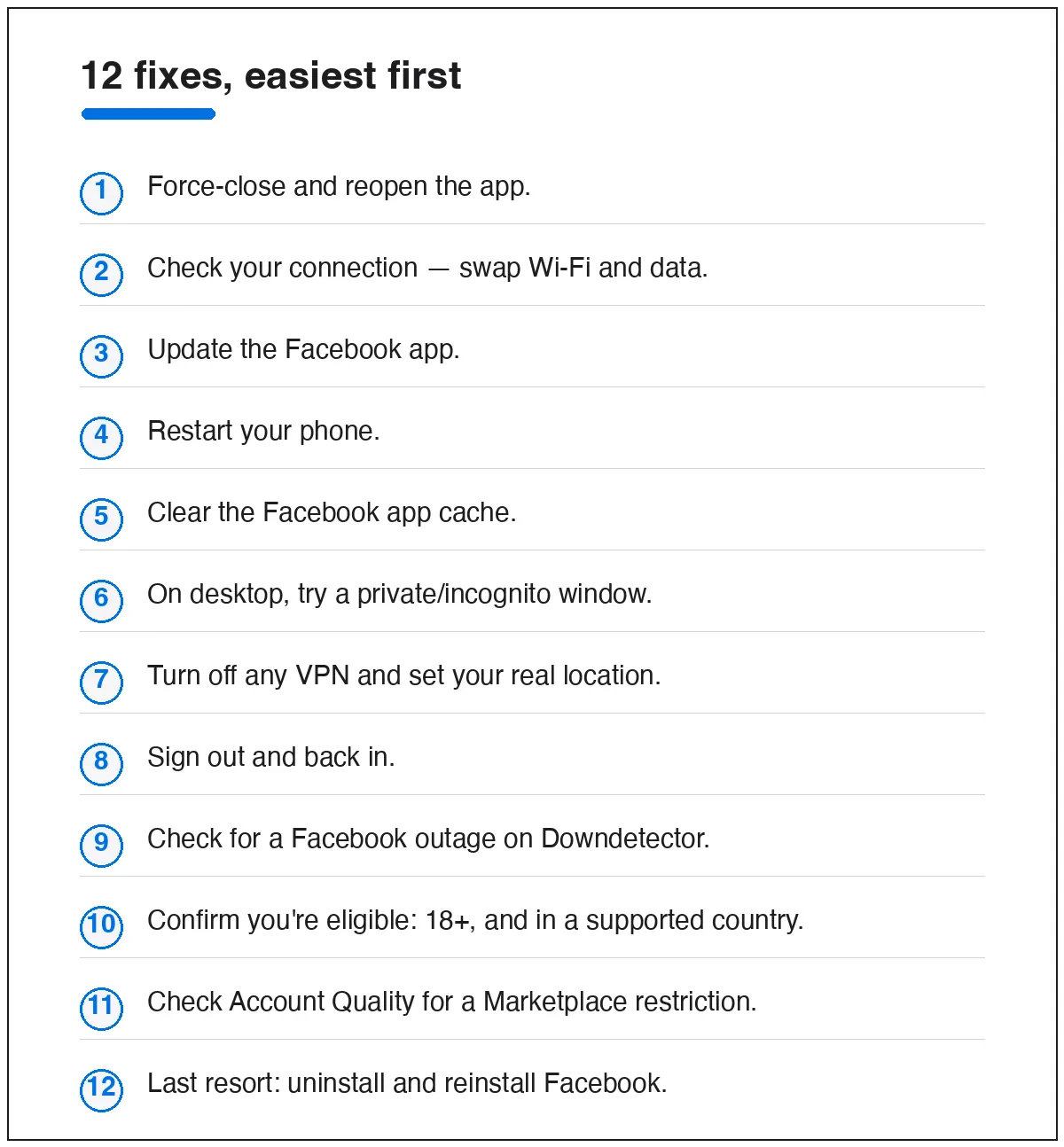
The 12 fixes, easiest first
App and device (start here)
- Force-close and reopen Facebook. Swipe it fully shut, not just to the background, then relaunch. Clears most one-off glitches.
- Check your connection. Switch between Wi-Fi and mobile data and reload — a weak network is a frequent silent cause.
- Update the app. An outdated build breaks after Facebook’s server-side changes. Update from the App Store or Google Play.
- Restart your phone. Old but effective; clears memory and stuck processes.
- Clear the Facebook cache. Android: Settings › Apps › Facebook › Storage › Clear cache. iPhone has no cache button — reinstall instead (step 12).
Browser and network
- Try a private/incognito window (desktop). If Marketplace works there, a browser extension — usually an ad blocker — is the culprit. Allowlist facebook.com.
- Turn off any VPN and set your real location. A VPN can drop you into a region where Marketplace has no inventory, or isn’t offered at all.
- Sign out and back in. Refreshes a stale login session that can make Marketplace load empty.
Facebook’s side and your account
- Check for an outage. Real outages are rare but happen. A quick look at Downdetector tells you if it’s Facebook, not you — if so, just wait.
- Confirm you’re eligible. Marketplace requires you to be 18 or older and in a supported country. Brand-new accounts sometimes can’t see it for a while — using Facebook normally for a few days usually unlocks it.
- Check Account Quality. Go to Settings & privacy › Settings › Account Quality (or facebook.com/accountquality). If your Marketplace access is limited or suspended, you’ll see it here, with an appeal option.
- Reinstall Facebook. The nuclear reset: delete the app, reinstall it, sign back in. Fixes corrupted installs the cache clear can’t.
Still stuck? Match the symptom
Different symptoms point to different guides:
- Marketplace opens but shows nothing › see fixing “no listings found”.
- Your own listing won’t appear to buyers › see why your listing isn’t showing up.
- You’re locked out of the whole account › start with Facebook account recovery.
Quick answers
Is Facebook Marketplace down right now?
Usually not. Widespread outages are rare; check Downdetector to confirm. If it’s only broken for you, it’s an app or account issue — work the list above.
Why did Marketplace disappear from my menu?
Most often eligibility (account too new, under 18, unsupported country) or a Marketplace restriction. Check Account Quality, and give a new account a few days.
Does clearing cache delete my Facebook data?
No. Clearing the app cache only removes temporary files. Your account, messages, and listings are untouched.
Nothing here worked — what’s left?
Test Marketplace on a second device or the desktop site. If it works there, the problem is your original device or app; if it fails everywhere, it’s your account — check Account Quality for a restriction and use the appeal.
Selling and want to avoid these headaches in the first place? Our guide to buying and selling on Facebook Marketplace covers the account habits that keep Marketplace working.