Checked against Facebook’s current help documentation: July 2026. Menu labels can shift as Facebook updates the app.
What to Know
- Check the listing’s real status first: open Marketplace, tap your profile picture, then Your listings. What you see there — In review, Rejected, or nothing wrong at all — decides the fix.
- A listing that looks fine to you can still be invisible to buyers for 24–48 hours after posting, and longer if you posted several similar items quickly.
- Rejected listing? Appeal it under Settings & privacy › Account Quality. Don’t delete and repost — that usually makes things worse.
When your Marketplace listing vanishes, you’re in one of three situations, and they have completely different fixes. Facebook won’t always tell you which one you’re in — so the first job is finding out.
Step 1: Find out which problem you actually have
- Open the Facebook app and tap the Marketplace icon.
- Tap your profile picture (top of the Marketplace screen).
- Tap Your listings.
- Find the item and read its status label.
Now match what you see to one of the three states below.
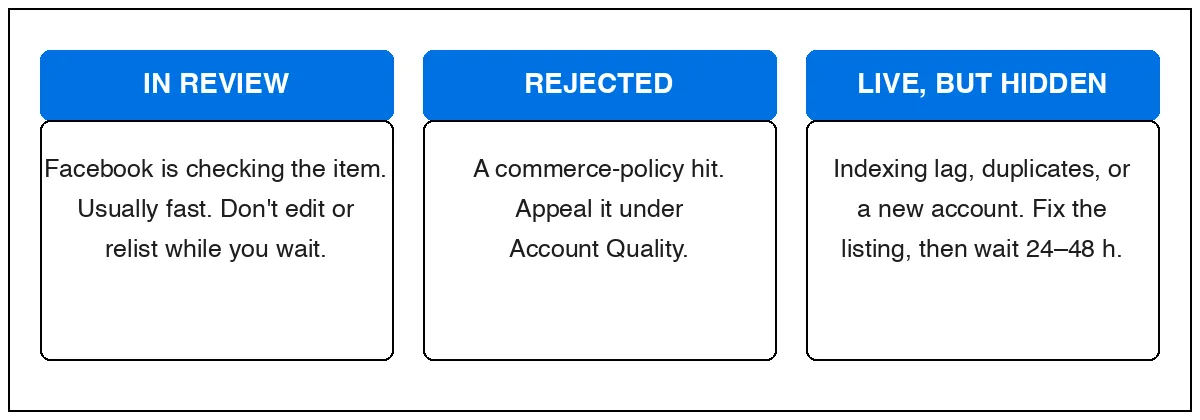
State 1: “In review”
Facebook screens every new listing against its commerce policies, mostly automatically. Facebook says most reviews finish quickly; sellers commonly report a few hours — sometimes up to a day — when an item gets flagged for a closer look.
Reviews take longer when the listing mentions anything near a restricted category: animals, health and medical items, supplements, weapons and parts, alcohol, event tickets, or recalled products. Even an innocent word can trip it — a “bullet blender” or a “wine rack” can read like a policy problem to a machine.
What to do: wait. Editing the listing or deleting and reposting restarts the review and looks like you’re trying to dodge it. If it’s been stuck more than 2–3 days, treat it as a rejection and use the appeal path below.
State 2: Rejected
A rejection means the automated check decided your item breaks a commerce policy. The machine gets this wrong often enough that appealing is genuinely worth it for a normal item.
- Open Facebook and go to Settings & privacy › Settings.
- Tap Account Quality (under Account Center-adjacent settings on mobile; it’s also reachable at facebook.com/accountquality on desktop).
- Find the rejected listing and tap Request review.
- Keep the appeal short and factual: what the item is, why it doesn’t break the policy named.
Decisions typically come back within a few days — Facebook notifies you in the app. If you don’t see a Request review option, the decision is final for that listing; list the item again with a cleaner title and photos that make the item unmistakable.
State 3: Live, but nobody sees it
This is the one that drives sellers crazy: Your listings shows it active, friends can open the direct link, but it never appears in search. Common causes, most likely first:
- It’s just new. Fresh listings can take 24–48 hours to show up in Marketplace search while Facebook indexes them. Annoying, normal.
- You posted too much, too fast. Several similar listings in a short burst — or the same item deleted and reposted — reads as spam. Facebook quietly limits how many people see you rather than telling you. This also hits brand-new accounts and accounts that just regained Marketplace access hardest.
- The title doesn’t match how buyers search. “Beautiful vintage piece!!” is invisible; “Mid-century teak coffee table” is findable. Put the brand, the item type, and the size in the title.
- Wrong location on the listing. Buyers search within a radius of their city. If your listing’s location defaulted somewhere odd (a VPN can cause this), you’re outside everyone’s radius.
What to do: fix the title and location, delete any duplicates so exactly one listing remains, then leave it alone for 48 hours. To test visibility, ask a friend to search for it from their account — your own account always sees your listings, so searching yourself proves nothing.
The full fix list
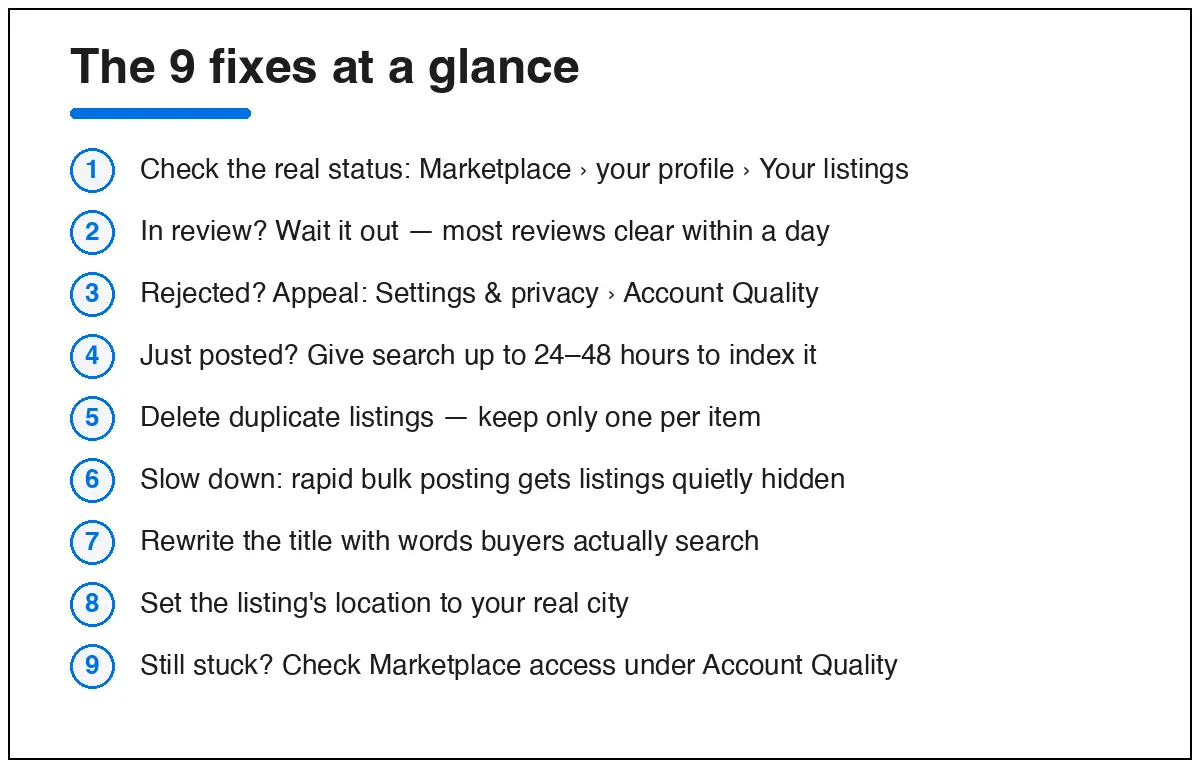
- Check the real status — Marketplace › your profile picture › Your listings.
- In review? Wait. Don’t edit, don’t repost.
- Rejected? Appeal under Settings & privacy › Account Quality › Request review.
- Just posted? Give it 24–48 hours before assuming anything is wrong.
- Delete duplicates — one listing per item, ever.
- Slow your posting cadence — space new listings out over days, not minutes.
- Rewrite the title with the words a buyer would type: brand, item, size, model.
- Set the listing’s location to your real city and turn off any VPN before posting.
- Still stuck? Open Account Quality and check whether your Marketplace access itself is limited — that’s a different problem with its own appeal, and it silently suppresses everything you list.
Quick answers
Why can I see my listing but nobody else can?
Either it’s still being indexed (wait 48 hours), or Facebook has soft-limited your reach — usually from duplicate or rapid posting, or a very new account. Your own view is never proof it’s public.
How long does “in review” take?
Usually minutes to hours. Flagged categories can take about a day. Past 2–3 days, treat it as rejected and appeal.
Will deleting and relisting fix it?
Almost never — it restarts any review, creates the duplicate pattern Facebook suppresses, and repeated delete-repost cycles can put your whole account’s Marketplace access at risk.
Does editing a live listing hide it again?
Meaningful edits (title, price, photos) can send it back through a quick review. Edit once, properly, rather than nudging it daily.
Selling regularly? Our guide to buying and selling on Facebook Marketplace covers the setup that keeps accounts out of trouble in the first place. If Marketplace itself won’t load or comes up empty, see Facebook Marketplace not working and “no listings found”. Locked out of your account entirely? Start with Facebook account recovery instead.